

Adopting cloud-based medical software is a key step toward modernizing your clinic. However, many practices make implementation mistakes that lead to wasted time, staff resistance, and unnecessary costs. In this guide, you’ll discover the most common errors and how to avoid them.

Mistake 1: Not training the team
One of the most common mistakes is assuming the system will be intuitive. Without proper training, staff often resist change and make errors when entering information.
Mistake 2: Not defining processes before migration
Medical software does not fix disorganization if clear rules are not established first. Migrating data without standardization can create duplicates and confusion in patient records.
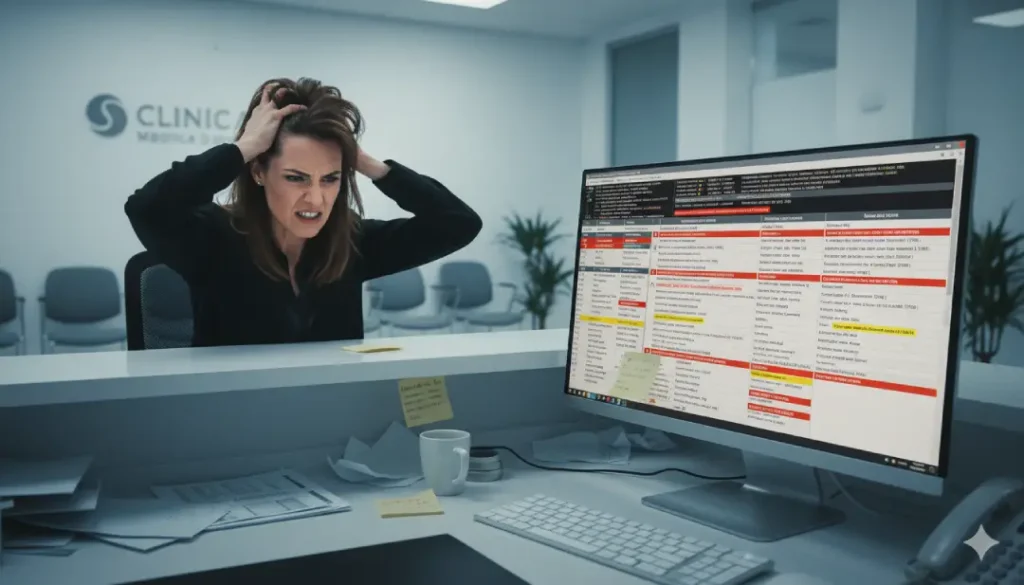
Mistake 3: Choosing based only on price
Cheap solutions often become expensive in the long run. Limited software forces you to add extra tools or switch systems sooner than expected. Always evaluate the essential features of a good cloud-based medical software.
Mistake 4: Ignoring the digital medical schedule
Some clinics implement electronic medical records but keep scheduling on paper or in non-integrated apps. This breaks organization and increases no-shows. Learn about the benefits of a digital medical schedule to improve the patient experience.

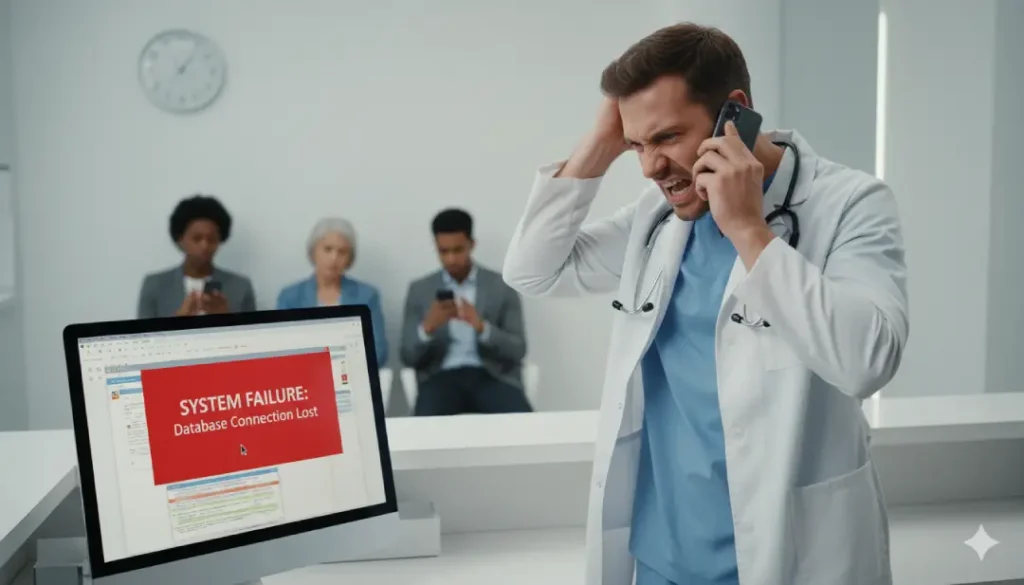
Mistake 5: Not planning technical support
Implementing medical software without reliable support is risky. Make sure your provider offers guidance and assistance in minutes, not days.
How to avoid these mistakes
Before implementing medical software in your clinic:
- ✔ Train your team with tutorials and hands-on sessions.
- ✔ Define processes before migrating data.
- ✔ Evaluate features, security, and scalability—not just price.
- ✔ Make the digital medical schedule a core part of the system.
- ✔ Choose a provider with fast and reliable technical support.
With the right implementation, your clinic can modernize smoothly. Try SyncroClinic free for 15 days and discover how to integrate electronic medical records, digital scheduling, and billing in one place.

Frequently asked questions
How important is staff training when using medical software?
It is essential. Without training, data entry errors and resistance to change increase.
How can you avoid problems when migrating clinical data?
Before migrating, standardize processes, clean databases, and run pilot tests.
Is it advisable to choose medical software based only on price?
No. Cheaper options usually lack key features, leading to higher costs in the future.
Why is it essential to include a digital medical schedule?
Because it reduces no-shows, improves organization, and integrates with electronic medical records.
Conclusion
Common mistakes when implementing medical software can be avoided with proper planning, training, and the right provider. With the right tool, your clinic improves not only organization but also the quality of patient care.