
Digitalization in healthcare is no longer optional: clinics and medical offices that still use physical folders or paper schedules lose time, patients, and opportunities.
“A cloud-based medical system doesn’t just organize information: it changes the way you care for your patients.”
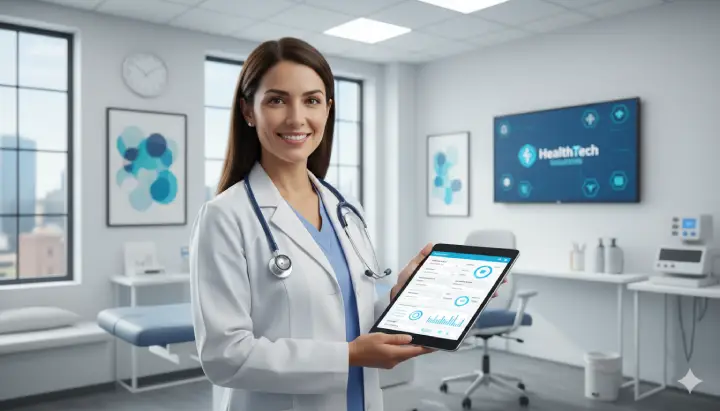
With cloud-based medical software, doctors can access the medical record from anywhere, reduce errors during consultations, and deliver a more professional experience for patients.
In this guide, you’ll discover:
- What cloud-based medical software is and how it works.
- The advantages of electronic medical records for small clinics.
- Which essential features a good system must include.
- A comparison of options available in 2025.
- A practical checklist to choose the best tool.
By the end, you’ll have a clear view to make informed decisions and improve your clinic’s management.
What is cloud-based medical software?
Cloud-based medical software is a digital platform that allows you to manage the clinical and administrative information of your medical practice or clinic from any internet-connected device.
Unlike older programs installed on a local computer, the cloud-based version:
- Doesn’t require complicated installations.
- Updates automatically.
- Lets you access the electronic medical record anytime and anywhere.
- Provides greater security thanks to encrypted storage.
“The cloud isn’t just a virtual space: it’s the guarantee that your clinic is always organized and available—even if you work from home or travel.”
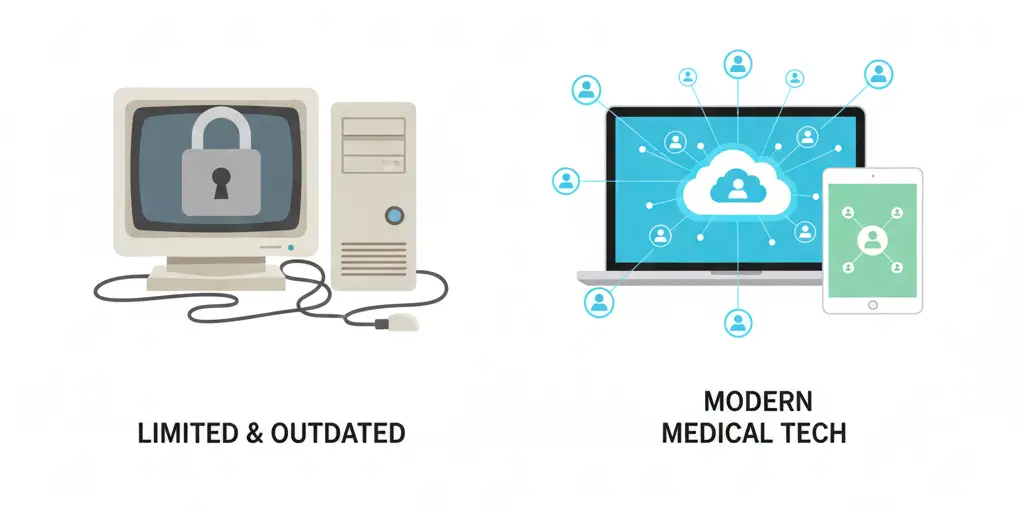
Difference between local software and cloud-based software
- Local software: installed on a PC, requires maintenance and manual updates, and only works on that device.
- Cloud-based software: runs in a browser, allows simultaneous access for multiple users, and includes automatic data backups.
Advantages of electronic medical records for small clinics
The electronic medical record is not just a digital file: it’s a tool that transforms how small practices and clinics work every day.
Adopting this system brings immediate benefits that impact both administrative management and patient care:
Fast, organized access
In just a couple of clicks, you can find a patient’s full history: diagnoses, treatments, tests, and previous prescriptions.
“What used to take 15 minutes of searching through folders is now available in seconds.”

Fewer errors and safer consultations
- Fewer diagnostic errors thanks to detailed documentation.
- Legible prescriptions with no confusion.
- Medical history always visible to avoid risks.
Regulatory compliance and security
Many countries already require digital medical records. Cloud-based systems:
- Provide automatic backups.
- Include data encryption to protect patient privacy.
- Make audits and medical reporting easier.
Higher patient satisfaction
Patients perceive a faster, more professional service:
- Less time in the waiting room.
- Better communication with the doctor.
- Confidence when they see their information is organized and available.
Digitizing your clinic isn’t just modernizing processes—it’s improving quality of care. Discover how cloud-based medical software can help you.

Essential features a good medical software should have
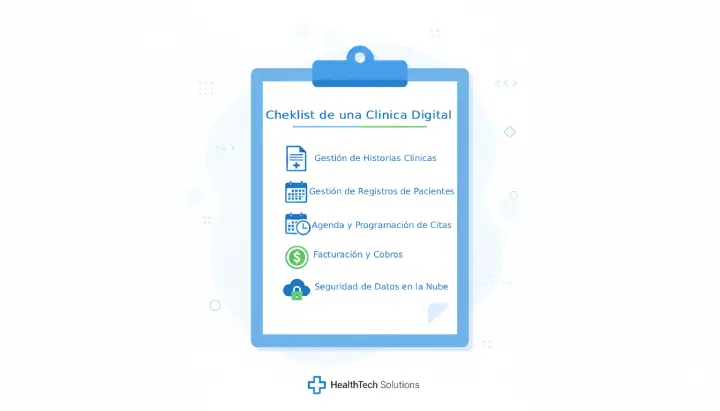
Choosing the best cloud-based medical software for your clinic isn’t only about price—it’s about the features that truly help you day to day. Below are the most important:
Patient and consultation management
An efficient system must centralize all patient information: personal data, medical history, past visits, diagnoses, and treatments. This prevents lost information and ensures more professional care.
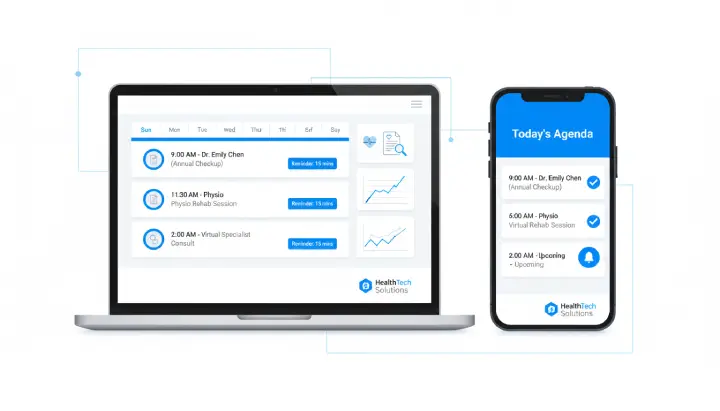
Online scheduling and automatic reminders
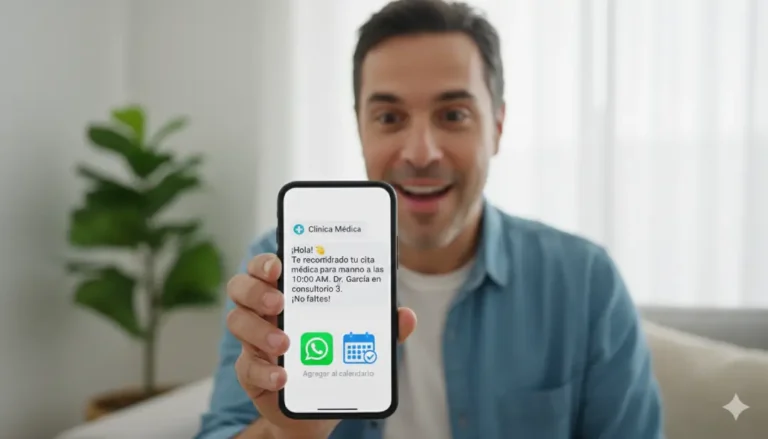
With a digital schedule, you can book appointments, receive notifications, and send reminders to patients by email or WhatsApp. This reduces no-shows and improves organization.
Electronic prescriptions and PDFs
Digital prescriptions let you deliver professional documents with your logo, ready to print or send in seconds. They also eliminate confusion from illegible handwriting.

Billing and payment tracking
The software should include a billing module that simplifies collections, generates receipts, and keeps financial control clear—ideal for small clinics that want order without complex accounting systems.
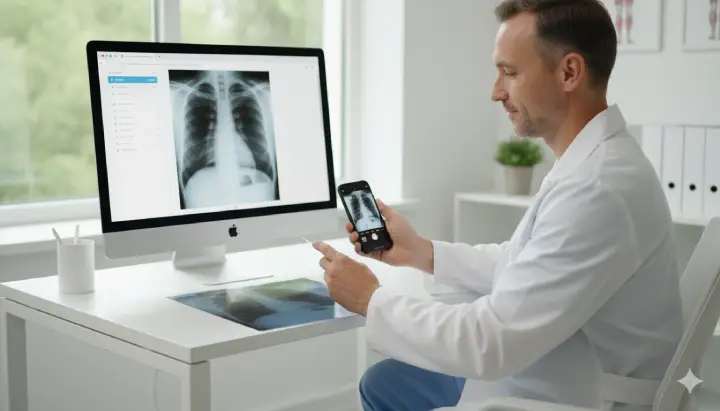
Attach medical tests from a phone
A key feature is the ability to upload tests or photos from a mobile phone—by scanning a QR code or uploading directly. This speeds up consultations and keeps everything inside the patient record.
AI support
Some systems include medical AI that suggests diagnoses based on entered symptoms. It doesn’t replace the doctor, but it can be a helpful support to save time and increase confidence during the consultation.
“Efficient medical software doesn’t just store information: it organizes, automates, and helps you make better decisions.”
If your current system doesn’t include these features, your clinic is losing time and patients. See how SyncroClinic brings everything together in one place.
Key factors to choose the right software
There are many cloud-based medical software options, but not all fit the needs of a small clinic or private practice. Before deciding, consider the following:
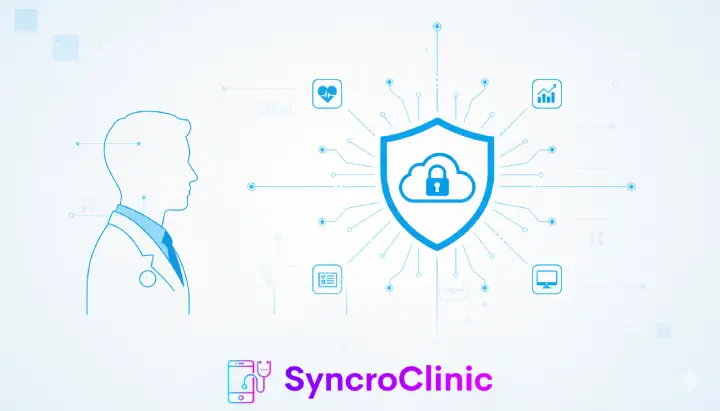
Data security and privacy
Medical information is highly sensitive. The system must include encryption, automatic backups, and comply with local and international regulations (such as HIPAA or GDPR, depending on the country).
Ease of use
A software full of features is useless if your team can’t understand it. An intuitive, simple design ensures doctors and assistants can use it from day one.

Technical support and onboarding
The provider should offer fast assistance if issues arise. This includes guides, training, and a support team available to answer questions in minutes.
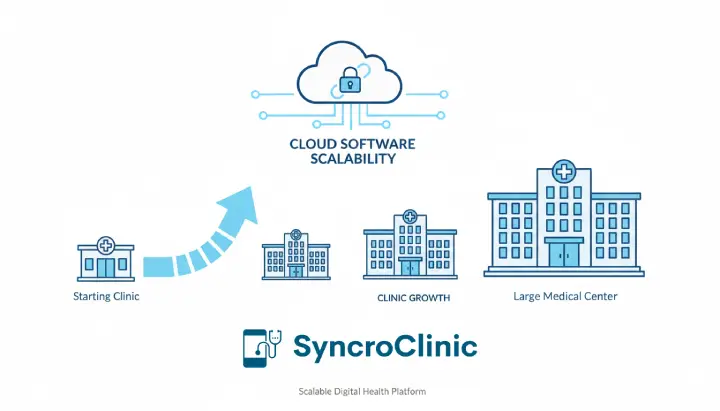
Scalability
Your clinic may be small today, but it will grow over time. The software should allow adding users, offices, and features without needing to migrate to another system.
Price vs. value
Cheapest isn’t always best. Evaluate whether the system includes updates, security, billing, and scheduling. A fair price should reflect real value for your practice.
“Good medical software isn’t measured by how many features it has, but by how many truly make your daily work easier.”
Before making a decision, make sure your provider offers security, ease of use, and real support. See how SyncroClinic meets these factors.
Comparison: medical software options in 2025
The cloud-based medical software market grows every year and offers multiple alternatives. However, not all are suitable for small clinics or practices. Here’s a comparison of standout options:
Cliniko (international)
Cliniko is a very popular international solution, especially among physiotherapists and psychologists. Its approach is simple and practical, although its USD pricing can be high for practices in Latin America.
Doctolib (Europe)
Doctolib is widely used in Europe, with a strong focus on scheduling and communication between patients and doctors. However, its implementation is often geared toward larger, more regulated markets.
Local options
In many countries, there are locally developed medical software solutions. They tend to be cheaper, but sometimes lack strong support, frequent updates, or advanced features like artificial intelligence.
SyncroClinic: designed for small and mid-sized clinics
SyncroClinic combines the best of both worlds: the power of modern cloud software with a practical and affordable approach for small and mid-sized clinics and private practices. It includes electronic medical records, online scheduling, PDF prescriptions, billing, and even AI integration.
- ✔ Pricing adapted for Latin America.
- ✔ Fast technical support in Spanish.
- ✔ Scalable: ideal to start small and grow.
- ✔ 15-day free trial with no credit card required.
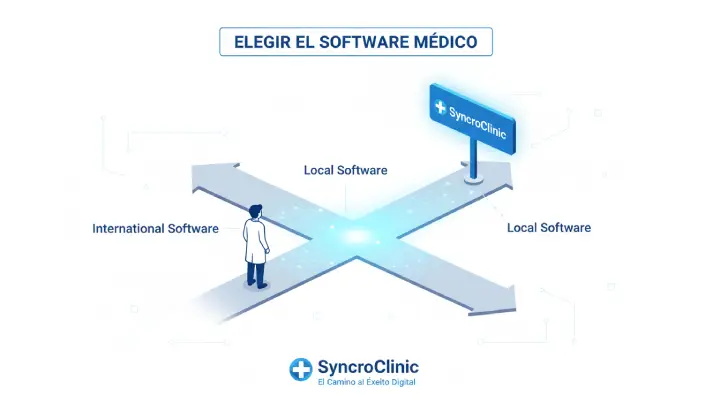
“SyncroClinic is the ideal alternative for clinics looking for complete, affordable, and easy-to-use medical software.”
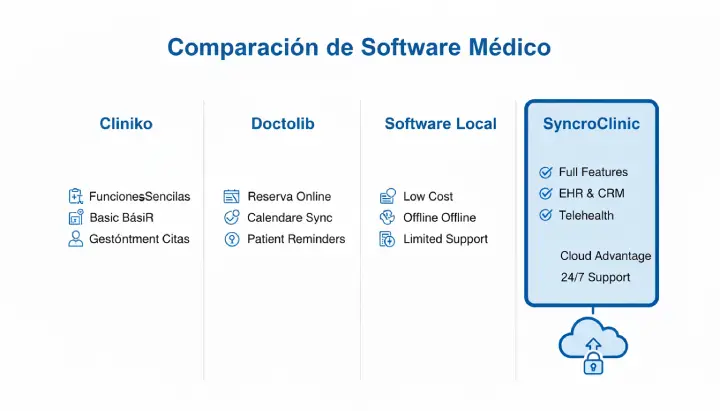

Before choosing, always compare features, support, and costs. Try SyncroClinic for free and see how to simplify your clinic management starting today.
Checklist: questions to ask before deciding
Choosing cloud-based medical software is a strategic decision. Before subscribing, review this checklist to ensure the option truly fits your clinic:
Does it fit my type of clinic?
Not all software works for every scenario. A small practice needs a system that’s easy, fast, and without complex setup.
What happens if my clinic grows?
Your software must be scalable. Ask if you’ll be able to add more users, offices, or features without switching systems.
Can I export my data?
Good software should allow you to download your information if you decide to change providers. Transparency is key.
How much does it really cost?

Some systems charge extra for basic features like prescriptions or billing. Always evaluate hidden costs and make sure your plan includes everything you need.
“The best medical software is the one that meets your needs today, but can also support your clinic’s growth tomorrow.”
Answer these questions before choosing your system. If you want a clear and reliable option, try SyncroClinic free for 15 days and evaluate it for yourself.
Conclusion and final recommendations
Digital transformation in healthcare is no longer a luxury—it’s a necessity. Cloud-based medical software allows small clinics to improve care, organize information, and grow sustainably.
If you still work with physical folders or outdated programs, now is the ideal time to move to electronic medical records and automation.
“The best investment for your clinic isn’t more paperwork, but technology that helps you care for your patients better.”
Before making a decision, remember: review data security, ease of use, and technical support. Always evaluate how much value each system provides and whether it can grow with your clinic.
Final recommendation: try different options, compare benefits, and choose the one that best fits your reality. With SyncroClinic, you can try it free for 15 days and see for yourself how technology can transform your practice.
Frequently asked questions about cloud-based medical software
Is it safe to use cloud-based medical software?
Yes. Modern systems use encryption, automatic backups, and comply with data protection regulations (such as GDPR or HIPAA depending on the country).
What if my clinic doesn’t have internet?
You can keep working from another device with an internet connection. In addition, many software solutions can cache data and sync once the connection returns.
Can I migrate my data from another system?
Yes. Most providers allow importing patients, appointments, and records from Excel files or previous databases so you don’t lose information.
What is the difference between an electronic medical record and a digital patient file?
An electronic medical record includes complete, structured clinical information over time. A digital file is often more limited and focused mainly on scanned documents.
Does SyncroClinic offer a free trial?
Yes. SyncroClinic includes 15 free days so you can try all features with no credit card required.